


MCP on Tilda: The Next Level of Web Development
Register and unlock a promo code to try premium features for free! 🎁

speaker
Nastja Maklakova
Multimedia Creator at the Tilda Design Team
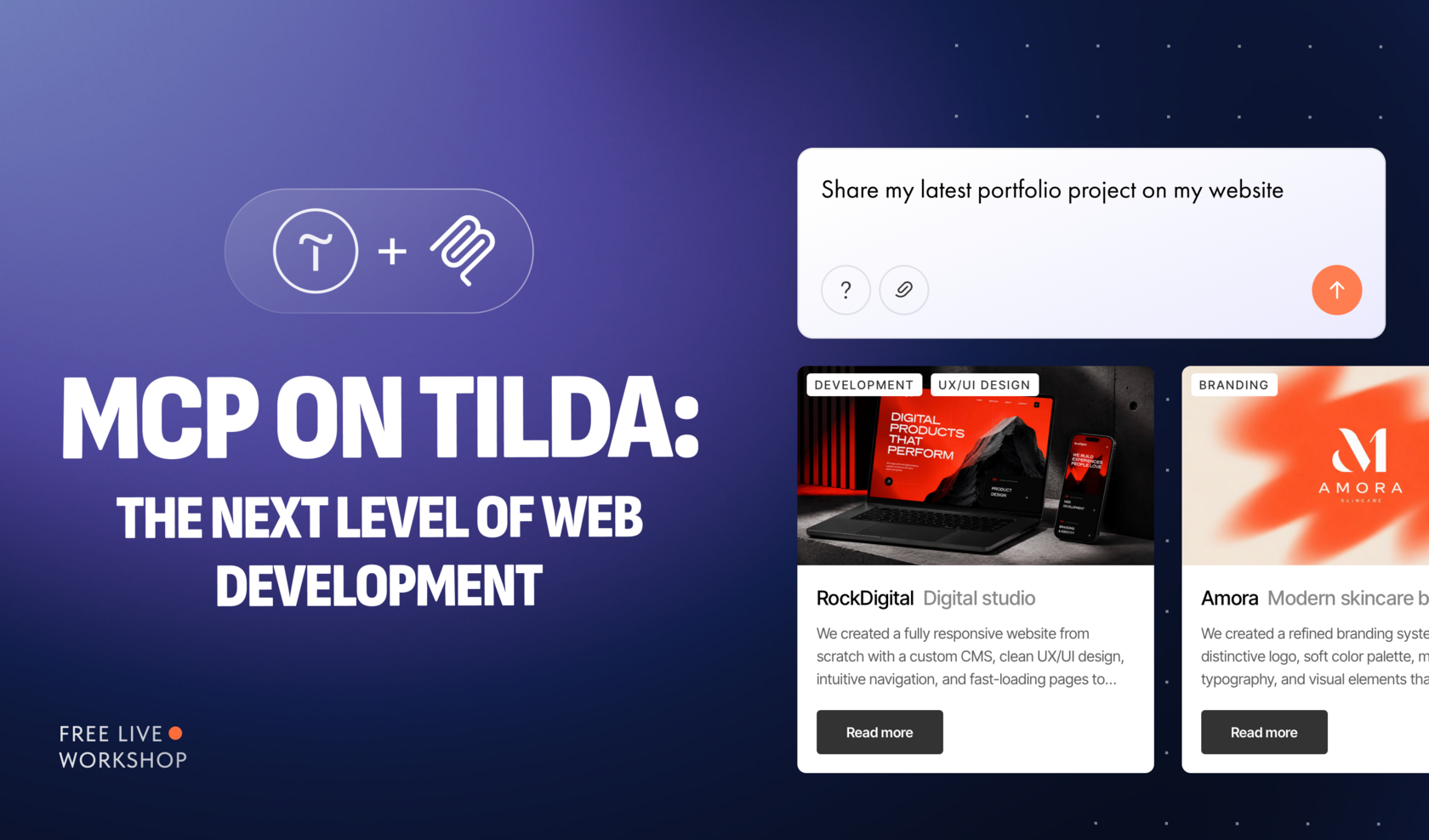
Sign up and get free premium access to Tilda!
November 19 · 10 AM ET | 4 PM CET
We'll email you the link to the workshop 5 minutes before the start
We'll email you the link to the workshop 5 minutes before the start
By clicking "Register," you consent to the processing of your personal data in accordance with the Privacy Policy
About the workshop
What if you could update your Tilda website just by describing what you need?
Tilda's MCP server connects your projects to AI agents, turning prompts into actions in the Page Editor, Feeds, and Product Catalog.
In this live workshop, we'll explore how to create and edit pages, build layouts in Zero Block, and handle routine content updates through a conversation with an AI assistant.
Tilda's MCP server connects your projects to AI agents, turning prompts into actions in the Page Editor, Feeds, and Product Catalog.
In this live workshop, we'll explore how to create and edit pages, build layouts in Zero Block, and handle routine content updates through a conversation with an AI assistant.
We'll go through:
- What MCP is and how to connect an AI agent to Tilda with the right access permissions
- Creating pages and editing text, images, buttons, and design settings with prompts
- Building custom layouts in Zero Block and bringing HTML designs to Tilda
- Creating posts in Feeds and making bulk updates to products, prices, and stock
You'll leave with practical ideas for managing your website with AI and saving time on repetitive tasks.


Get notified about free upcoming events!
Subscribe to our newsletter to receive invitations to your inbox
By clicking "Register," you consent to the processing of your personal data in accordance with the Privacy Policy.
Trending Webinars


Privacy Promise
Cookie settings
Cookies are necessary for the correct operation of the site are always enabled.
Other cookies are configurable.
Other cookies are configurable.
WEBSITE BUILDER
SUPPORT
MORE
EDUCATION
